Capture full-page screenshots across every viewport from one URL.
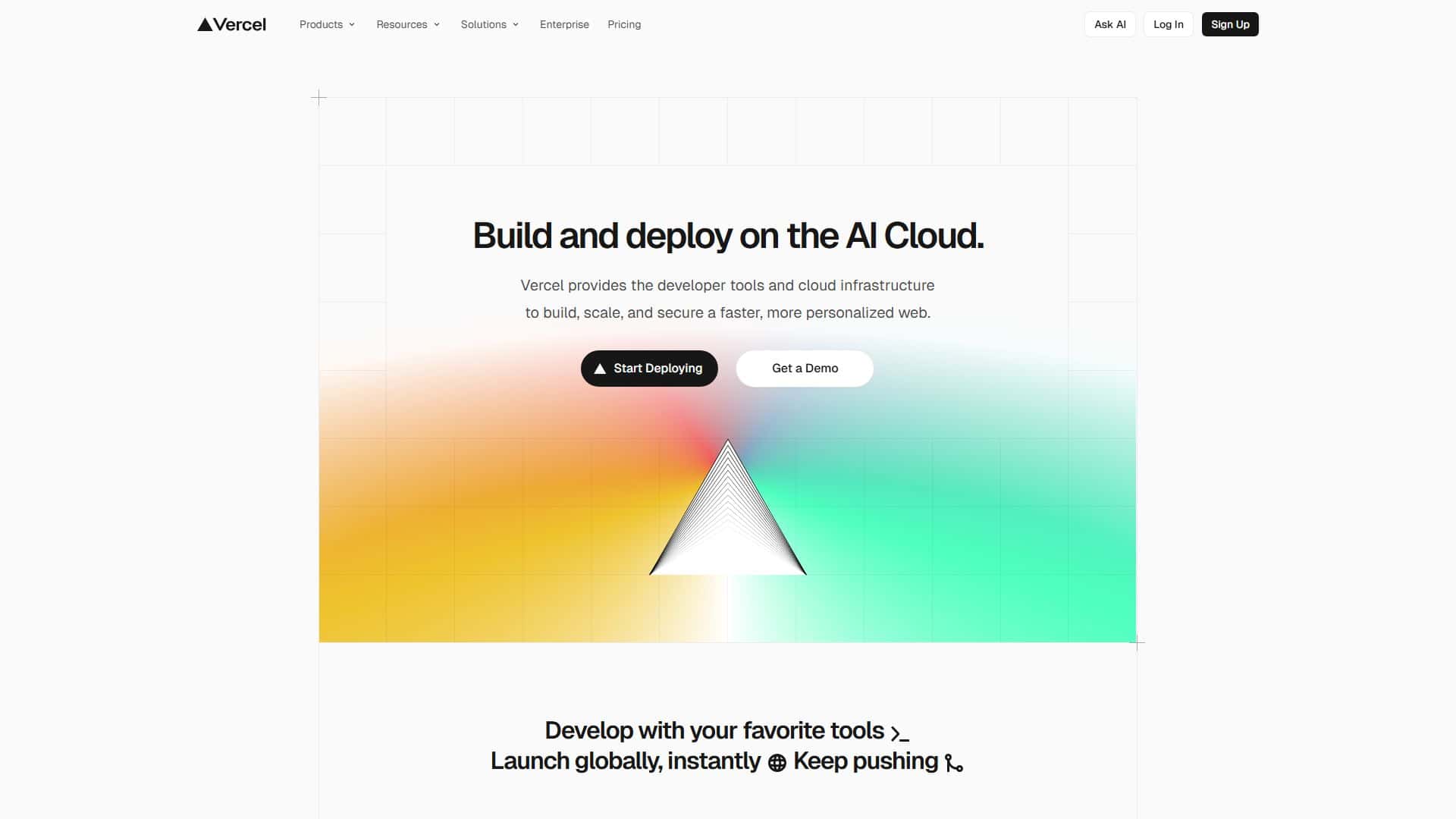
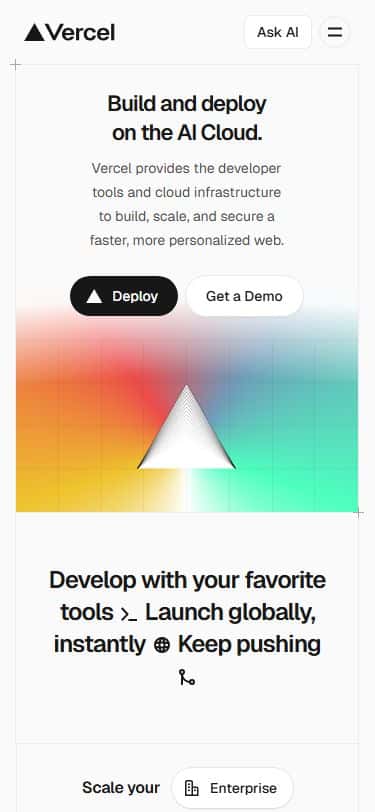
Paste a URL to discover pages, capture full-page desktop and mobile screenshots, and export a review-ready baseline.
Built for teams running 25 to 1,500 screenshots/hour across release and QA cycles.
See it in action
Get ZIPs, PDF reports, AI-ready segments, or a review link with tasks.
Run-to-result
< 2 min
First capture from fresh URL
Viewport pack
4 presets
Desktop, laptop, tablet, mobile
Review + AI output
ZIP + PDF
Tasks, schedules, exports, and assistant handoff
From first capture to confident handoff
A visual workflow that keeps moving
Start with a safe sample, save a baseline, watch for changes, and give every issue a clear next step.
Try the workflow
See a full-page capture in seconds
Open a ready-made Vercel sample with desktop and mobile screenshots. This preview uses cached assets and never captures a live URL.
Demo mode
Try cached demo mode
Demos use ready-made screenshots. Live scans above use your URL and require sign-in.
Start with one URL, validate capture quality, then expand to full-site runs.